

My son’s first foray into online gaming started with Roblox and Minecraft, and as a parent, I knew I needed to learn about these games pretty quickly to ensure he was safe playing online at such a young age.
Online gaming has become more than just a pastime for kids—it’s now a gateway to creativity, problem-solving, and social connection. Among the most popular platforms for young gamers are Roblox and Minecraft, two virtual worlds where imagination reigns. But with all that potential comes the need for safety and supervision.
Here’s what parents need to know when their children start exploring these two online giants.
A Quick History of Roblox and Minecraft
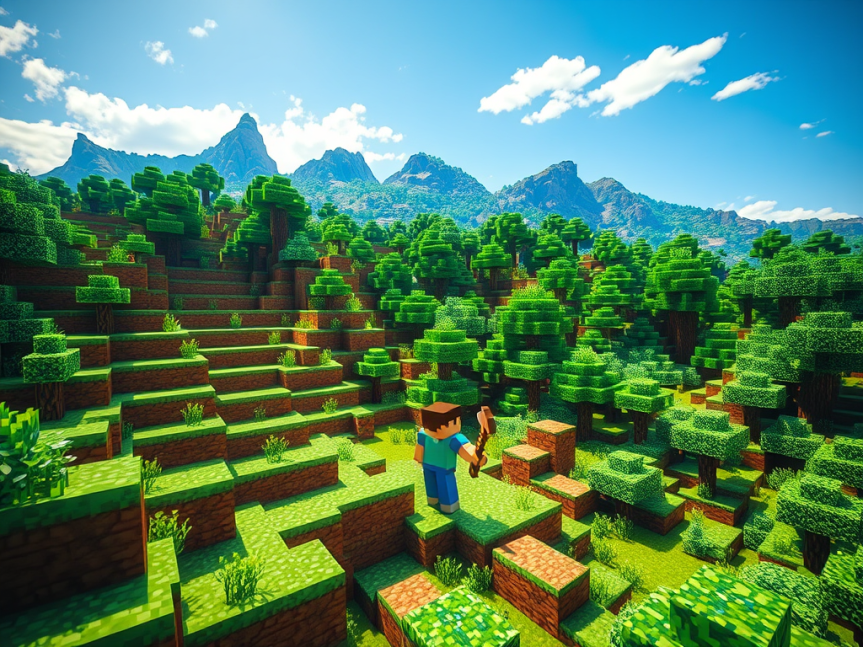
Minecraft was launched in 2009 by Markus “Notch” Persson and later acquired by Microsoft in 2014. It’s a sandbox game where players build, explore, and survive in pixelated, block-based worlds. Over time, it evolved from a hobbyist’s dream into an educational and cultural phenomenon used in classrooms worldwide.
Roblox debuted in 2006 and offers something different: it’s not one game but a platform that hosts millions of user-generated games. Players create avatars and jump into everything from obstacle courses to simulators, making it more of a social gaming network than a single title.
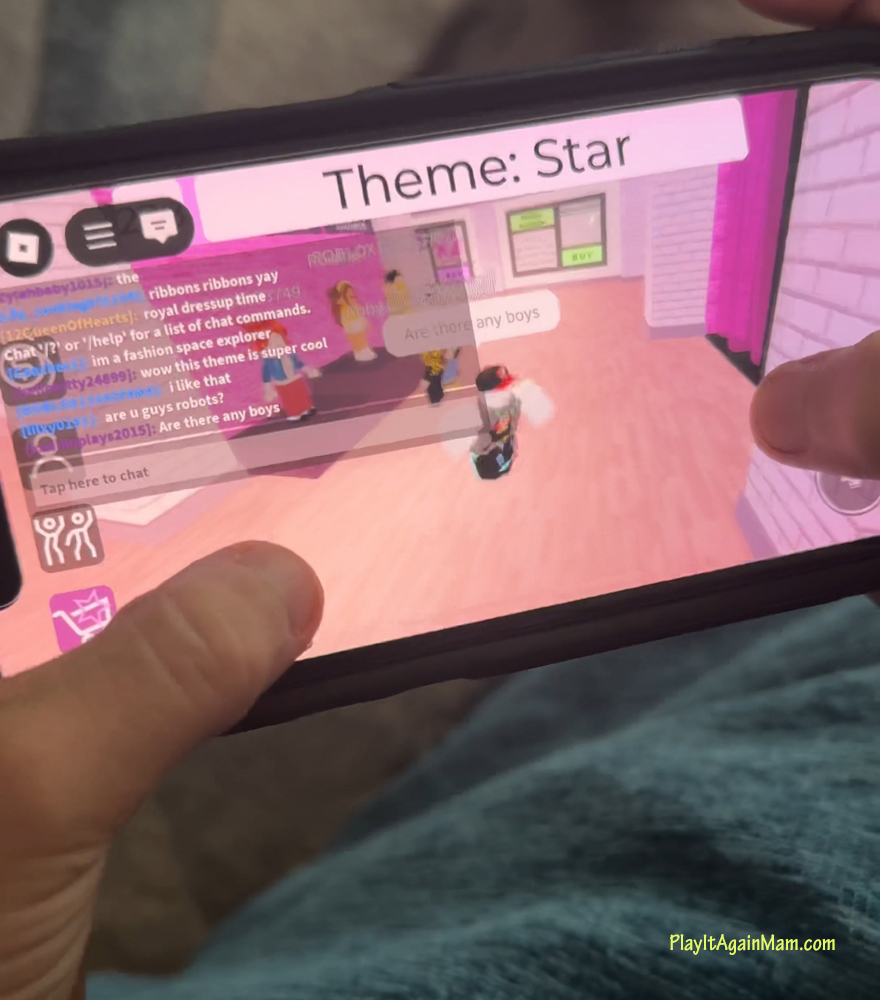
Players also have access to more concerning content than Minecraft, like horror themed games and odd hidden games within games. Like the game Fashion Diva, that seems innocent until you type in a specific phrase and something strange happens.
Educational Benefits
Both games are praised for fostering creativity and critical thinking, although Minecraft is really the more educational of the two.
- Minecraft encourages design, architecture, coding (with Redstone and mods), and even storytelling. The “Minecraft: Education Edition” is used in schools to teach subjects like math, history, and computer science.
- Roblox introduces kids to game development through Roblox Studio, where they can learn basic coding with Lua. This experience teaches logic, sequencing, and design thinking in a way that’s fun and intuitive.
Although, to be totally honest, I don’t know any kids (like my son and his friends) actually using it for game development. They mostly use it the play some very weird and questionable games.
Keeping Kids Safe
Online safety should always be a priority. Here’s how to manage that on each platform:
Minecraft
- If your child plays on public servers, make sure the server is age-appropriate and moderated.
- Use “peaceful” or offline modes for younger children who don’t need multiplayer features.
- Set time limits and play alongside your child to better understand their environment.
Roblox
- Turn on Account Restrictions for younger users to limit chat and access only curated content.
- Enable parental controls to monitor activity and restrict spending.
- Regularly check their friends list and the games they play, as Roblox’s content is created by users and varies widely.
🎮 Roblox vs. Minecraft: Parental Controls Comparison
| Feature | Roblox | Minecraft |
|---|---|---|
| Account Management | Requires a Roblox account; parental controls are accessible via the child’s account settings. Parents can link their account for enhanced management. | Requires a Microsoft account; parental controls are managed through Microsoft Family Safety settings. |
| Chat Controls | Chat filters are automatically applied for users under 13. Parents can further restrict or disable chat features. | Chat settings can be customized or disabled entirely through Microsoft Family Safety settings. |
| Content Restrictions | Parents can set content maturity levels (e.g., All Ages, 9+, 13+) to restrict access to age-appropriate games. | Content restrictions are managed via Microsoft Family Safety settings, allowing parents to control access to games and features. |
| Screen Time Limits | Daily screen time limits can be set, restricting the amount of time a child can play. | Screen time limits are configurable through Microsoft Family Safety settings. |
| Spending Controls | Parents can set monthly spending limits on Robux and receive notifications for purchases. | In-game purchases can be restricted through Microsoft Family Safety settings. |
| Friend Management | Parents can manage the child’s friends list, including blocking specific users. | Friends and multiplayer access are controlled via Microsoft Family Safety settings. |
| Privacy Settings | Privacy settings allow control over who can message or chat with the child. | Privacy settings are managed through Microsoft Family Safety, controlling communication and multiplayer access. |
| Activity Monitoring | Parents can view the child’s activity, including games played and time spent. | Activity reports are available through Microsoft Family Safety, detailing screen time and app usage. |
| Platform Availability | Available on PC, Mac, iOS, Android, and Xbox. | Available on PC, Mac, iOS, Android, Xbox, PlayStation, and Nintendo Switch. |
Enriching Skills Through Gaming
Letting your child get into Minecraft or Roblox doesn’t mean giving them a free pass to endless screen time. It’s an opportunity to guide them toward experiences that can enrich their skills while having fun.
With the right settings and regular check-ins, these games can be both a digital playground and a springboard for learning.
But it’s really important to remember to always check in, know what games your kids are playing and who they are playing with.
Discover more from Play It Again Mam
Subscribe to get the latest posts sent to your email.
 Play It Again Mam
One thought on “Kids and Online Gaming: A Parent’s Introduction to Roblox and Minecraft”